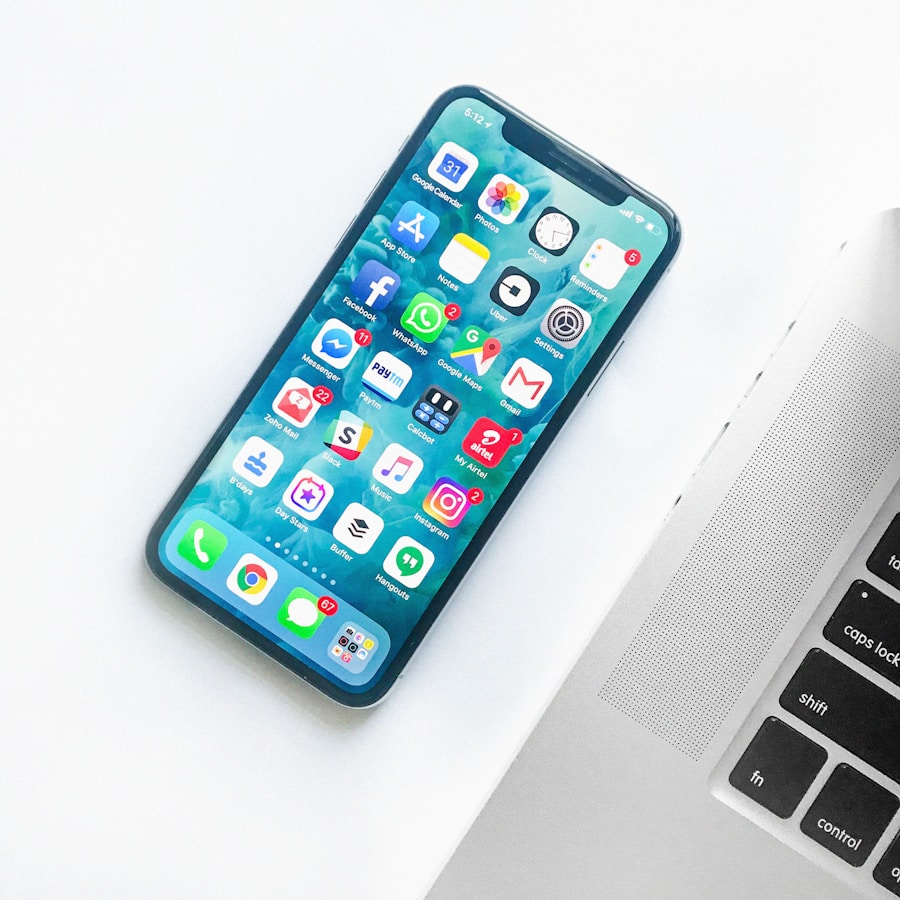
What Is Control Center?
Control Center is a collection of shortcuts for settings such as Wi-Fi, Bluetooth, brightness, volume, Focus and other supported controls.
How to Open It
On an iPhone with Face ID, swipe down from the top-right corner. On an iPhone with a Home button, swipe up from the bottom edge.
Customize Your Controls
Open Control Center and use its editing controls to add, remove, resize or rearrange supported controls. The exact editing method depends on your iOS version.
Useful Controls to Add
Consider adding Screen Recording, Low Power Mode, Notes, Magnifier, Hearing or other controls you regularly use.
Make It Work for You
Arrange your most-used controls where they are easy to reach. You can also explore additional control groups if your iOS version supports them.
Available controls and customization steps vary by iPhone model and iOS version.
Home →